As a way to let us explore the many wonders of animation our teacher gave us an assignment to do research on a
something you thought was interesting, or maybe something you're not very good at.
I was quite quickly about what I wanted to research. However, I couldn't do it in an Adobe software. So I
searched a bit further for a free 3D software that could profide me with a small fun game to make.
I landend on the software Blender. This is a populair, free, 3D software to download.
Now that I do have a software to work in it was time to find a tutorial that would give me a not to hard
game to build, and also explain what is going on since I am a beginner in Blender.
After finding the right tutorial, I was able to follow step by step, I could finally start my research. The
assignment also said that I needed to make a Spark page and explain what you're researching in detail. This
meant what the tutorial dude said explain it a bit simpler, translate it to Dutch, and write it down on my
Spark Page. On my Spark page, at the end, I've put the links to the tutorial as well.
The game that I was making is just a simple 'collect all the coins' game. Nothing to hard to do.
However, probably in any game software, you'd need to make everything interactive, and think about everything.
This was something I already knew was needed in the game industry, but it's still a bit of time consuming.
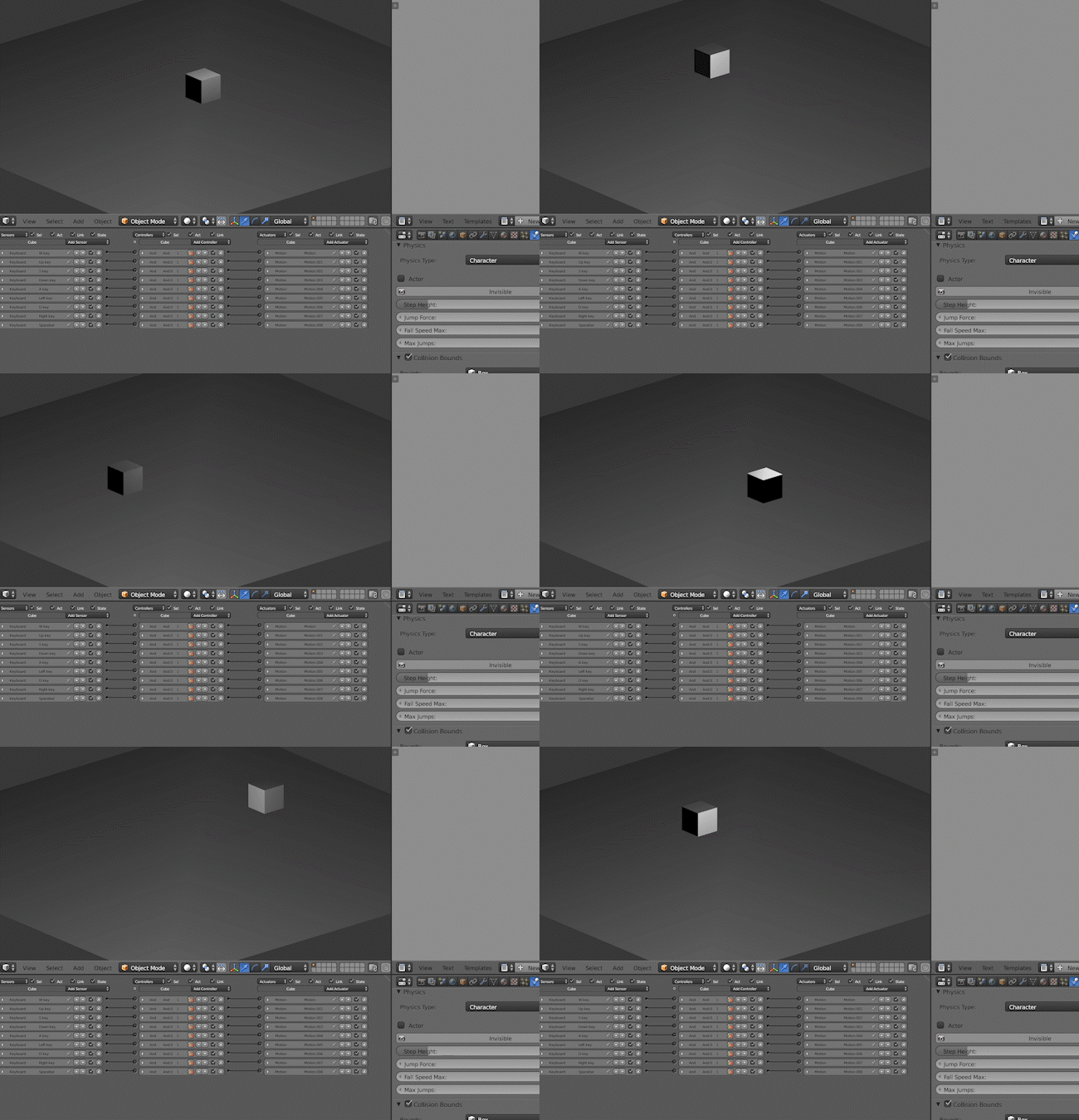
While I was getting the cube to interact with the keys, I also would need to check if they actually work.
Thats why the gif above is me checking to see if the keys work, including the space bar to make the cube jump.
This seemed to work perfectly. So we could continue with the second part of the tutorial.
Which is making the coins.
The coins weren't that hard to do, you'd simply go into another layer and create a "Torus". Make the Torus a
more golden colour (or any colour you want).
Then you'd let the Torus spin forever until it gets consumed by the cube. And since it's in another layer
you could connect the Torus to an null object. This way it's easier to just copy paste it because you need
to only edit one coin and all the coins will be changed the same way. This is a clever way to manage your
time. Because if it was in the same layer as the cube and you'd make a few coins and wanted to change one
thing, you'd need to do that in all the coins.
Once both the coins and the cube were interactive it was time to have shadows and light in the final game.
For this I needed to add a sunlight. With that we could play with it's brightness and add harsher or softer
shadows.
In my "Spark" page I'll talk with more detail about the project, in Dutch.
In "All of them" you'll go to my Youtube channel and see a video where I "play the game".
In "Playlist" you're also going to my Youtube channel and will be in a Playlist that's all about my Game. What I
used during the game, and the tutorials.